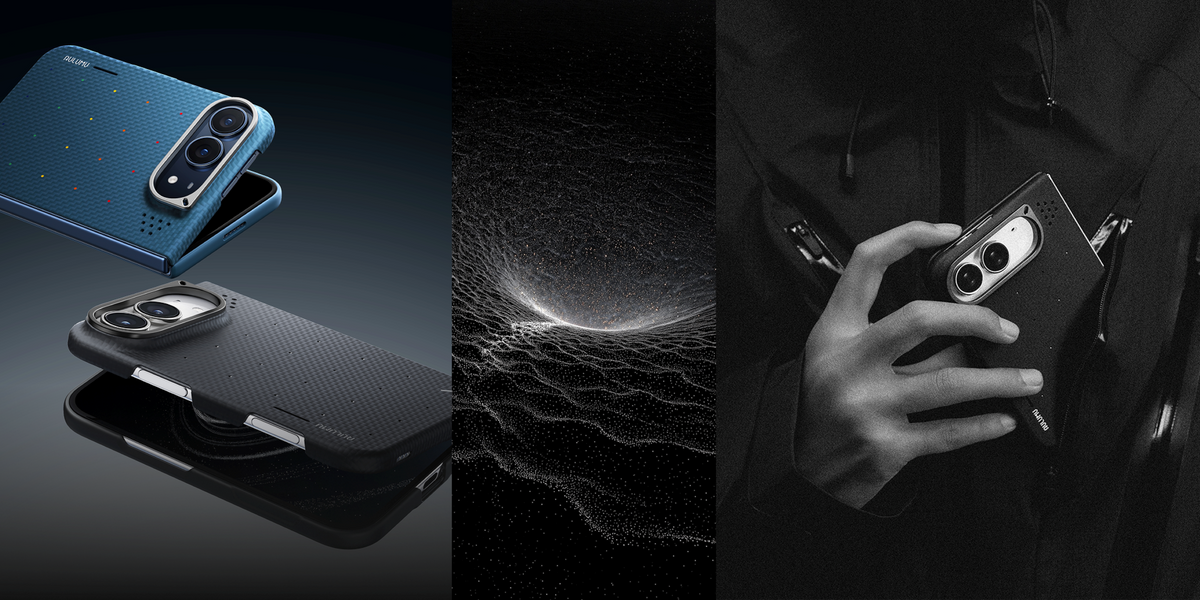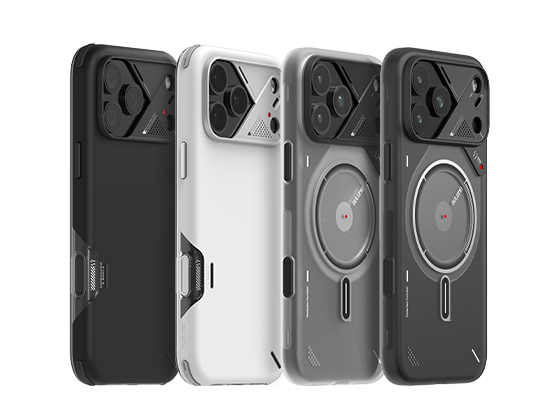
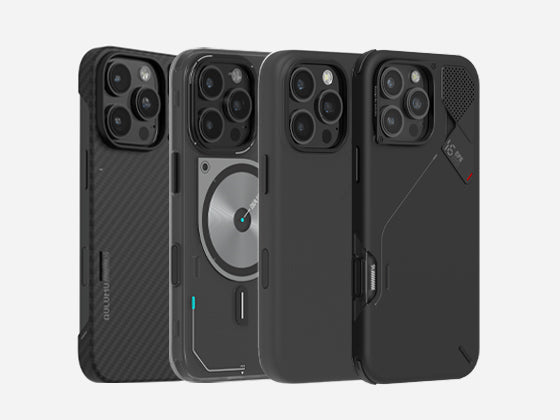
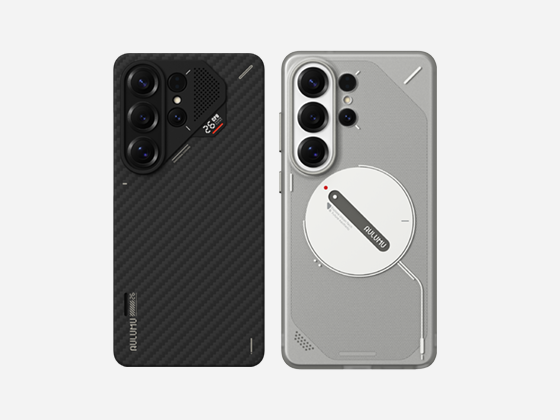
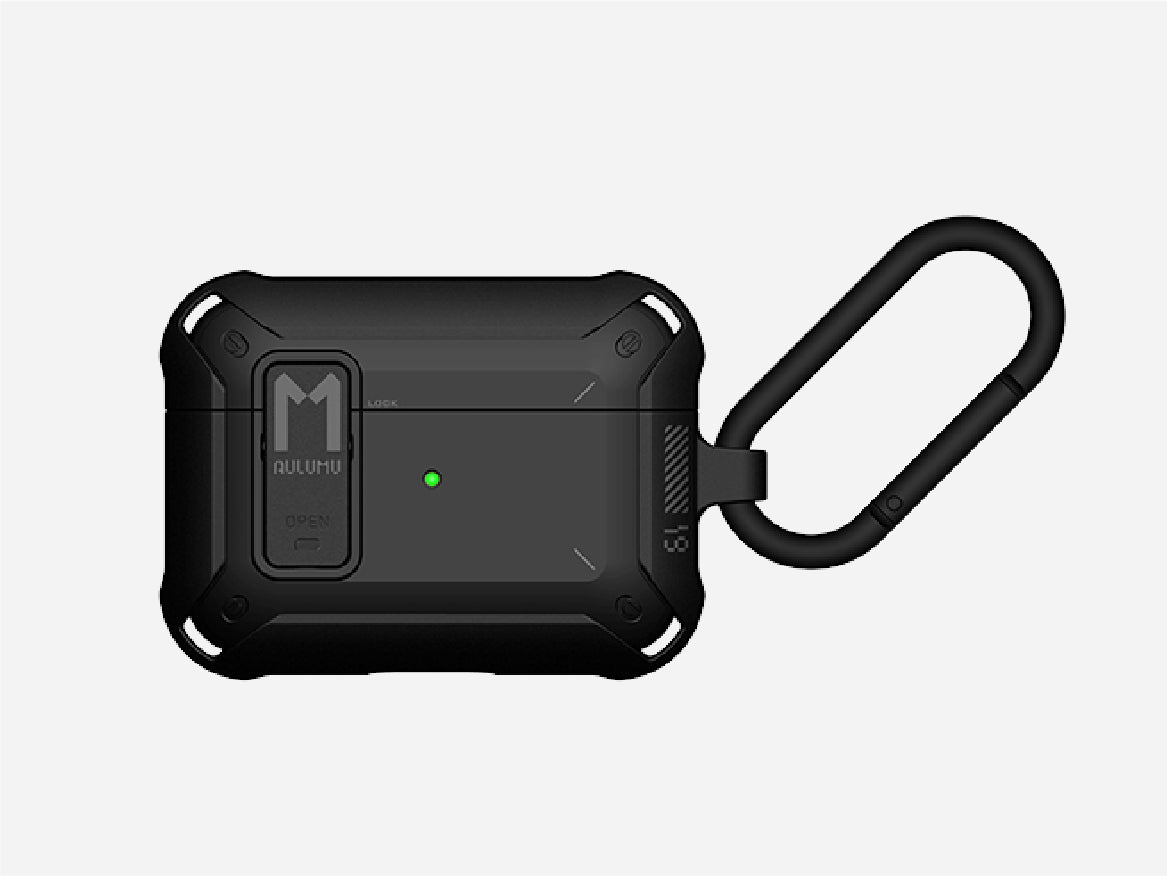
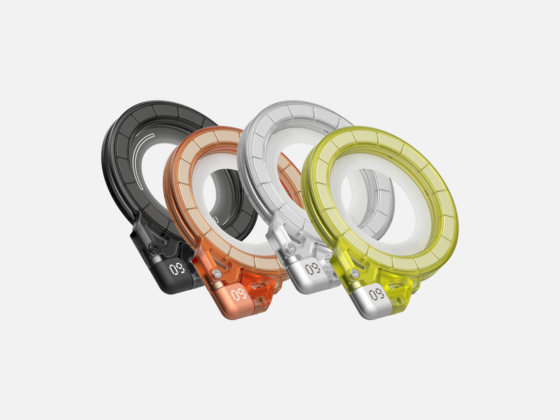
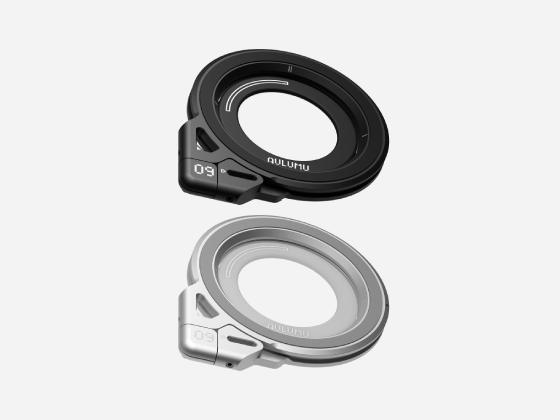
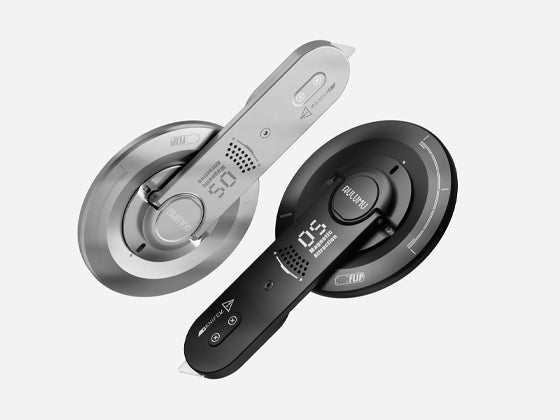
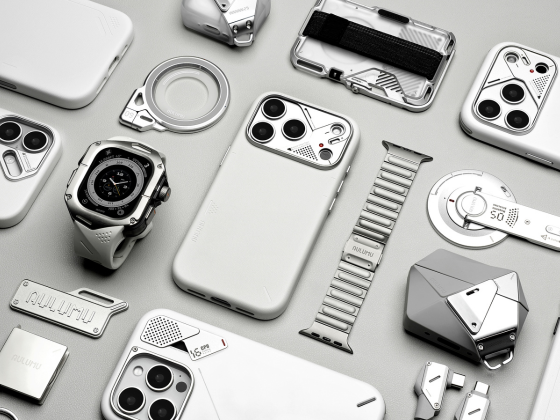
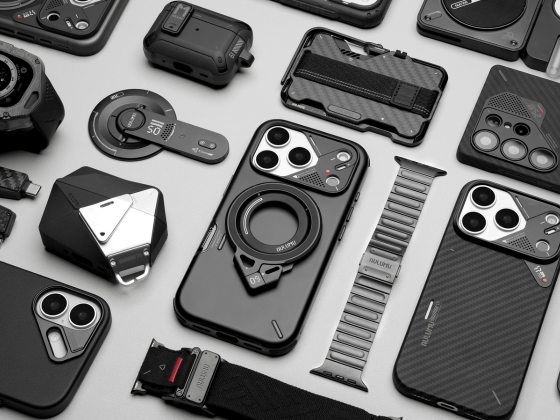
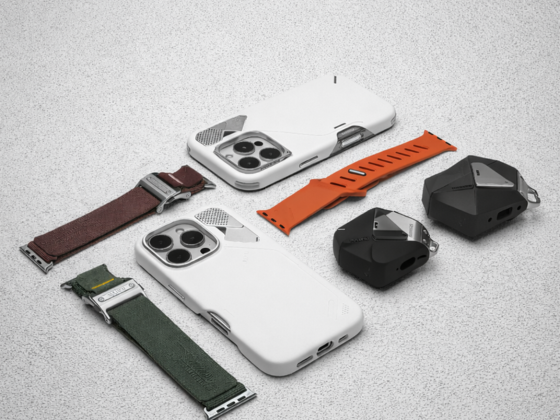

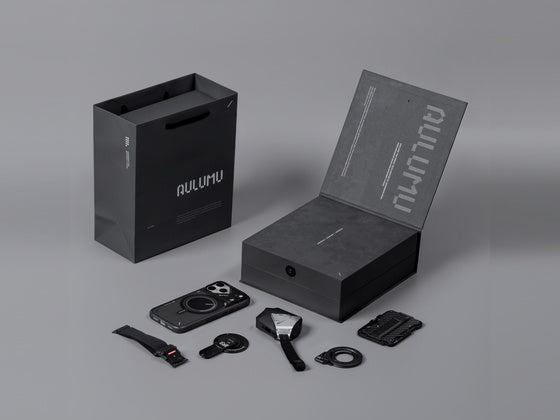

Today, smartphones are used in almost every aspect of daily life , and the MagSafe ecosystem provides iPhone users with more convenient accessory options for their daily routines, allowing for more flexible combinations of different accessories. However, the more accessories available, the more likely new problems will arise. The truly ideal MagSafe setup for iPhone should involve choosing accessories that work together to solve practical problems based on your own usage habits. In this article, we will introduce how to build a practical MagSafe accessory system, starting with various portable accessories, and how to take advantage of the upcoming Black Friday 2026 to more effectively upgrade your iPhone MagSafe Setup.
 What is a MagSafe Setup?
Before choosing a specific product, you first need to understand the role of MagSafe and the functions that different accessories perform in the whole system.
What is MagSafe?
MagSafe is Apple's ecosystem of magnetic connections and accessories for compatible devices. For MagSafe-enabled iPhones, the magnetic structure helps compatible accessories quickly align and attach to the back of the phone, easily meeting various usage scenarios. Compared to regular wireless charging, MagSafe's advantages lie not only in charging but also in the convenience of magnetic connections. However, it's important to note that magnetic connections do not mean all accessories have the same functionality or performance. Different magnetic accessories may have different features. Especially with magnetic chargers, you should confirm the specifications based on your iPhone model and the accessory before purchasing.
The Four Essentials of a Complete Setup
A practical set of MagSafe accessories can typically be centered around the following four categories of products.
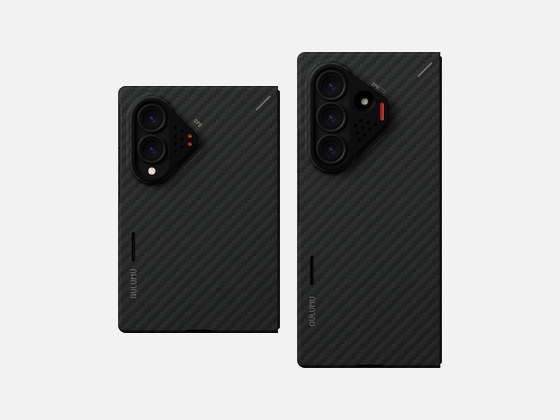
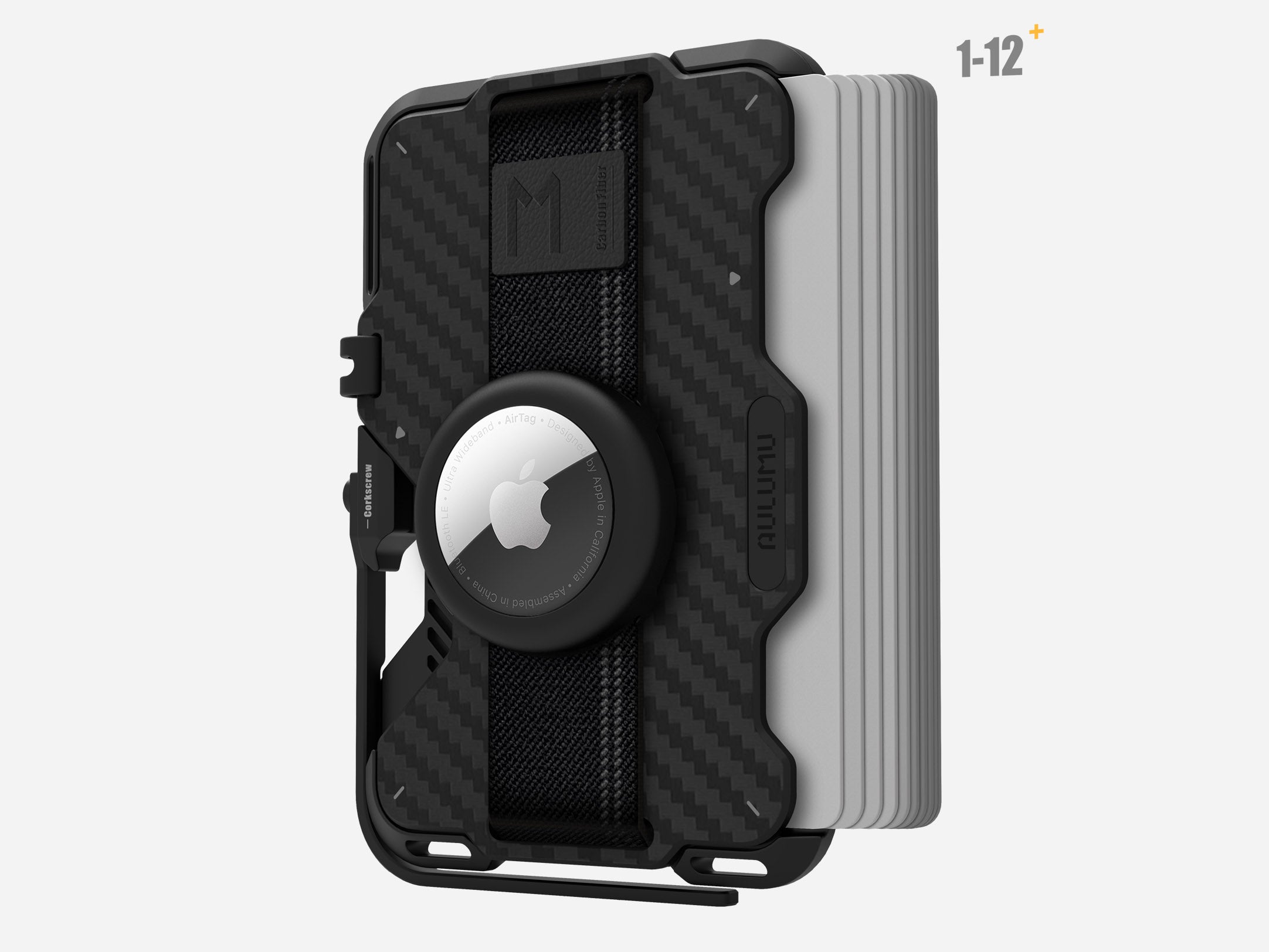
A MagSafe-Compatible Phone Case : The phone case is the foundation of the entire setup. It needs to meet daily protection, grip, and aesthetic requirements, while also ensuring compatibility with accessories such as magnetic stands and chargers.
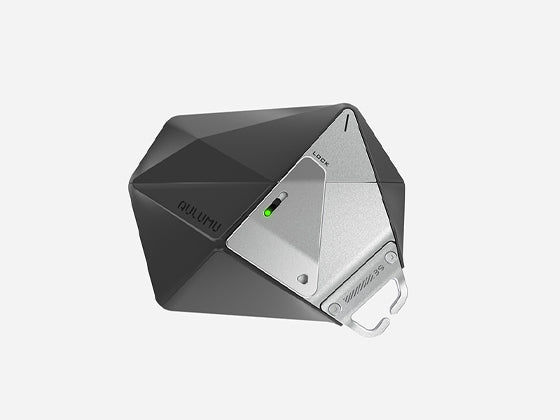
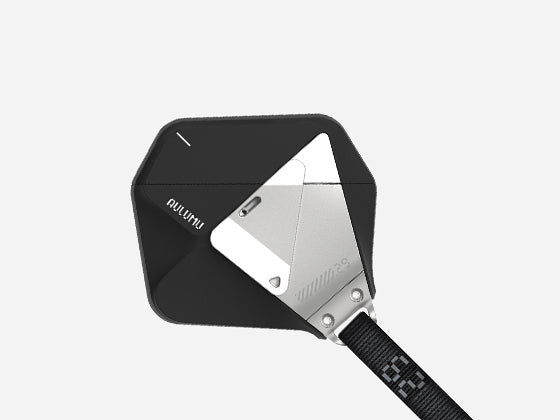
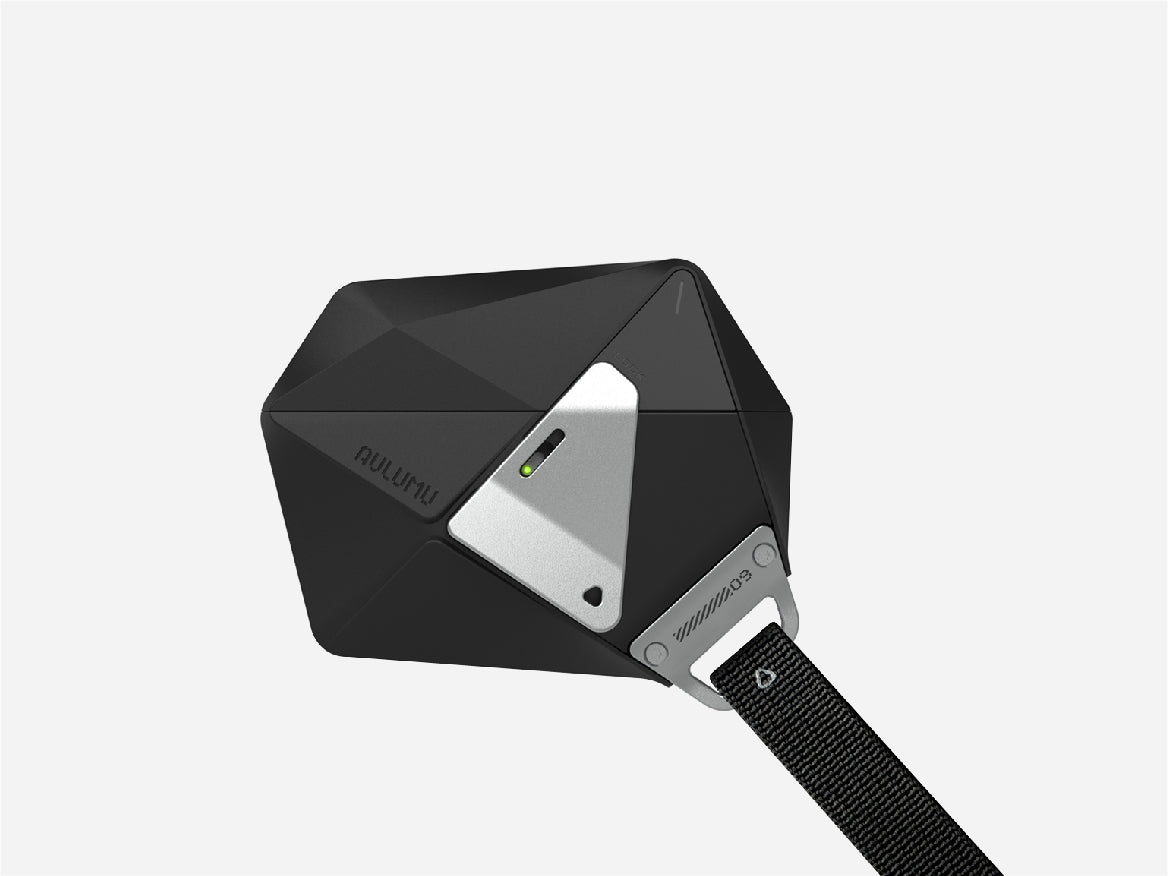
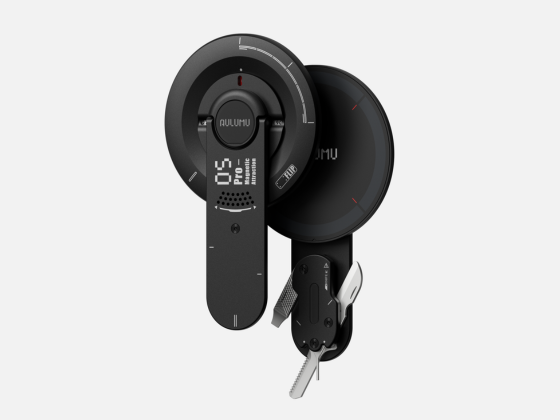
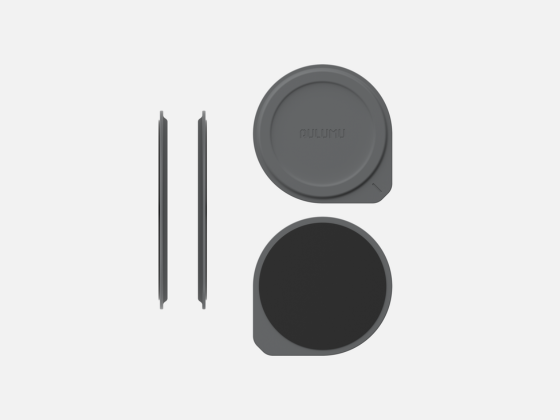
A magnetic stand or grip accessory:They can improve the experience of one-handed operation, video viewing, video calls, and desktop use. Depending on the product structure, some accessories focus on grip comfort, while others emphasize multi-angle support and portable storage.
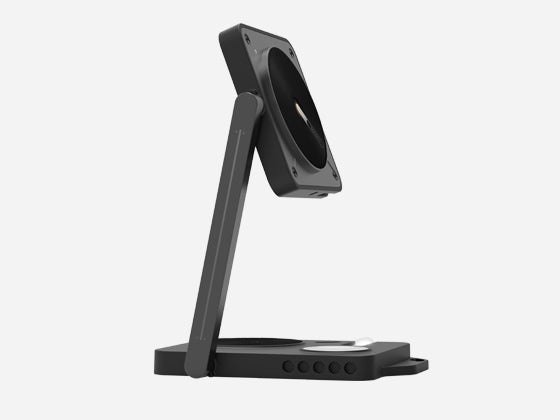
A MagSafe Charger or Charging Station : Charging equipment is designed to meet the needs of fixed scenarios such as desktops, offices, and bedside tables. Depending on the number of devices and usage habits, you can choose a single-device magnetic charger, or consider a charging station that can charge multiple compatible devices simultaneously.
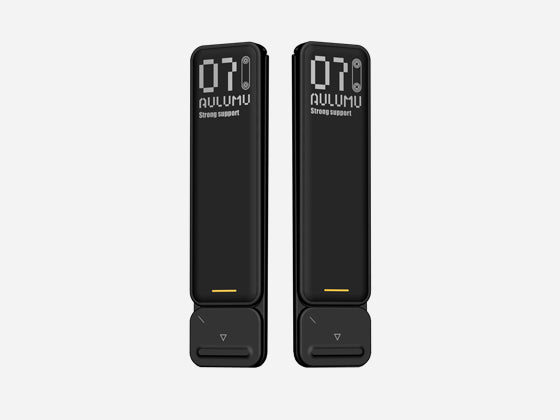
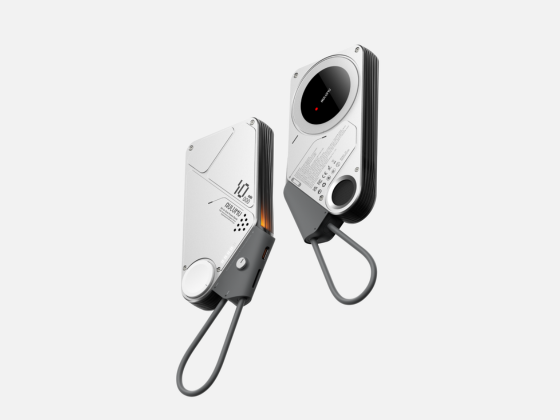
A Portable Charging Solution : Portable power banks are ideal for commuting, traveling, and extended outings. For users who frequently use navigation, photography, or mobile work, they can supplement scenarios where fixed charging stations are unavailable.
These four types of accessories do not mean that they must all be purchased at once. A more reasonable approach is to first identify the usage aspects that most need improvement, and then gradually complete the entire configuration.
Step 1: Choose the Right MagSafe Case for Your iPhone
A phone case is the first step in setting up a MagSafe setup. It directly affects the feel of the phone in your hand, its overall weight, and the experience of connecting other magnetic accessories later.
Protection Without Unnecessary Bulk
When choosing a phone case, many users prioritize drop protection, but the actual user experience is also influenced by factors such as thickness, weight, surface texture, and edge design. Thicker cases may be suitable for environments requiring stronger protection, but they can also make the phone appear bulky. Slim cases are better suited for users who want to maintain the phone's original shape and reduce extra burden. For daily commuters, office workers, and social media users, the focus should be on the case's everyday protection capabilities, magnetic compatibility, and its weight and thickness. If you plan to build a complete MagSafe accessory system, the phone case should not be just a standalone protective product, but rather a connecting foundation for the entire setup.
Material selection
Different phone case materials have different strengths compared to common materials. There is no absolute superiority or inferiority among different materials . The final performance depends on the specific formula, thickness, manufacturing process, and structural design.
|
Material |
Main features |
|
Aramid fiber |
Lightweight potential, fiber texture, and futuristic appearance |
|
Silicone |
Soft and skin-friendly |
|
TPU |
Flexible and suitable for various protective shell structures |
|
Hard plastic |
Lightweight, with a wide range of appearances and colors to choose from. |
Check MagSafe Compatibility Before Buying
Even if a phone case can attach to magnetic accessories, it doesn't guarantee an ideal connection experience. Before purchasing, it's recommended to confirm whether the phone case explicitly supports MagSafe or the corresponding magnetic accessory standard, and check its compatibility with your target iPhone model. If you frequently use magnetic chargers, you also need to confirm the wireless charging function, supported power, and charger requirements.
 Step 2: Add a Magnetic Stand or Grip for Everyday Convenience
If phone cases solve the problems of protection and connectivity, then magnetic stands and grip accessories solve the problem of how the phone is used. When a phone needs to be frequently switched between handheld, tabletop support, and video viewing scenarios, a well-designed magnetic accessory can significantly improve convenience.
Magnetic Grip vs Magnetic Stand
While magnetic grip accessories and magnetic stands may look similar, their design priorities are not entirely the same. Some products can serve both grip and support functions, so there's no need to mechanically separate the two uses. More importantly, consider what problems you encounter most frequently each day. Ultimately, the best magnetic stand for you isn't necessarily the one with the most features, but rather the one that blends naturally into your daily usage habits and doesn't make your phone too bulky.
|
Comparison Dimensions |
Magnetic grip accessories |
Magnetic bracket |
|
Core Uses |
Improved grip and one-handed operation |
Support your phone and free your hands |
|
Typical scenarios |
Commuting, taking photos, and daily browsing |
Office work, video viewing, video calls |
|
Select key points |
Handling comfort, size, and connection stability |
Support angle, structural stability, folding method |
|
Portability requirements |
Lightweight and easy to store are preferred. |
Pay attention to the thickness after folding and the ease of storage. |
 Step 3: Build a Better MagSafe Charging Setup
A complete set of MagSafe accessories not only needs to address how to hold and support the phone, but also needs to consider how to maintain sufficient battery power in different scenarios. The selection of charging devices can be approached from two aspects: usage scenario and charging performance .
Desk Setup: A Cleaner Charging Experience
For those who frequently work at a fixed desk, the placement of charging devices directly impacts desk tidiness. If you only need to charge your iPhone, a single magnetic charger may suffice. If you also need to charge headphones and a smartwatch simultaneously, consider a multi-device charging station to reduce the number of charging cables and individual chargers. When purchasing a desktop charging setup, first determine the number of devices, then consider the charger placement, cable length, and available desk space.
Nightstand Setup: Convenience Comes First
Bedside charging and desktop charging present different needs. Users typically prioritize ease of use, stability, and convenience for checking the time and notifications at night. Charging devices with supports allow the phone to be placed at a comfortable viewing angle. However, when choosing a charger and power adapter, it's still important to consider specifications, device compatibility, and the product's temperature management requirements. Furthermore, it's not recommended to keep the screen bright for extended periods just to check notifications. Adjusting screen display and notification settings to personal preferences is usually more effective in improving the nighttime user experience than simply buying more accessories.
Understand Charging Speed and Compatibility
While MagSafe accessories may look similar, this does not guarantee identical charging performance. Actual charging speeds can be affected by factors such as iPhone model, wireless charging standard, charger output capacity, power adapter, and usage environment. Some products, while able to connect to a phone magnetically, may not support all the features of Apple MagSafe certified products. Therefore, before purchasing, you should first check the official product specifications to confirm supported models, charging standards, and power requirements.
 Step 4: Prepare for Life Outside the Desk
If a MagSafe setup only works at home or in the office, it won't fully satisfy users who are frequently on the go. Commuting and travel scenarios need to consider portability, power requirements, and the ease of use of accessories while on the move.
A Portable MagSafe Setup for Commuting
Carrying too many accessories during daily commutes can be more annoying than running out of battery. For most users, a slim phone case with a portable magnetic stand can cover their needs for holding, temporary support, and everyday browsing. If you have a long commute or frequently use navigation, photography, and mobile office apps, you might consider carrying a power bank. The key here is to simplify based on your actual usage frequency. Only when an accessory solves a frequently encountered problem does it deserve to take up space in your bag.
A Travel-Friendly Setup
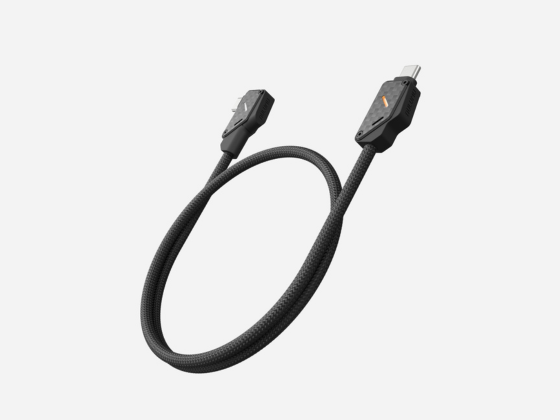
When traveling, mobile phones typically perform multiple tasks such as navigation, taking photos, checking tickets, booking, and communication, thus increasing the importance of charging devices. A practical travel kit may include a MagSafe-compatible phone case for daily protection and magnetic accessory connectivity ; a foldable magnetic stand for easy viewing or video calls ; a portable power bank to provide extra power for extended trips ; and suitable charging cables and power adapters to meet the charging needs of different devices.
 Black Friday 2026: The Best Time to Upgrade Your MagSafe Setup
Once the differences between the basic, everyday, and full-featured configurations become clear, you can then consider when is the best time to buy. Black Friday 2026 is November 27th. For users planning to upgrade their iPhone accessories, preparing their needs in advance will make their shopping during the promotion more efficient.
Make a MagSafe Accessories Wishlist Before Black Friday
Before Black Friday arrives, take a look at your existing iPhone accessories and make a list of the ones that truly need upgrading. This will help you avoid impulsive purchases due to discounts. If you're planning to change your phone case, first confirm your iPhone model, then compare materials, thickness, protective design, and magnetic compatibility. If you frequently use a phone stand, prioritize researching the support effectiveness and portability of different structures. For magnetic charging stations and power banks, consider your daily usage frequency and needs.
Think in Terms of a Complete Setup, Not Individual Deals
During Black Friday shopping, individual item discounts often attract attention, but the discount amount isn't the only criterion for judging whether an accessory is worth buying. Let's say you originally only needed a magnetic stand, but bought a whole set of accessories because charging devices were also on sale. If the added devices remain unused for a long time, then even with the discount, the overall purchase value may not be ideal.
What to Look for in Black Friday iPhone Accessory Deals
For users planning to upgrade their accessories during Black Friday 2026, it's advisable to focus on categories such as phone cases, magnetic stands, wireless charging devices, and portable power banks. If you want to establish a unified MagSafe setup, compare the design styles, functions, and compatibility of different products beforehand. For example, choose a phone case that meets your daily protection needs first, and then add stands and charging devices based on usage scenarios, rather than simply deciding what to buy based on the order of discounts.
Conclusion
Building your ideal MagSafe setup doesn't mean buying every accessory at once. With Black Friday approaching, it's a good opportunity to review your current setup, identify what's missing, and prioritize the accessories that will make the biggest difference in your everyday iPhone experience.